

The fastest way to sign documents on Mac is a secret feature hidden in plain sight
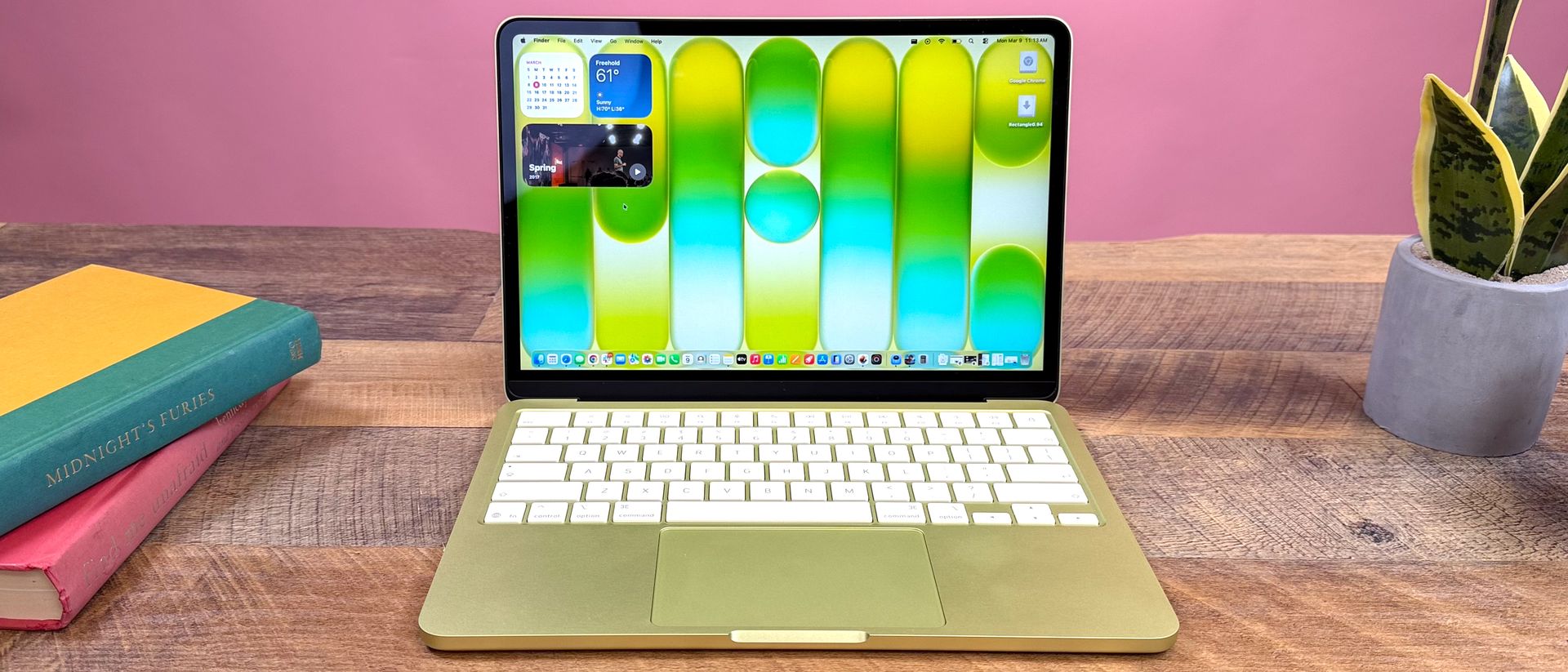
Learn how to quickly create, save, and place signatures on PDFs on your Mac using built-in macOS tools hidden right on your desktop.
Key Takeaways
- The fastest way to sign documents on Mac is a secret feature hidden in plain sight.
- Learn how to quickly create, save, and place signatures on PDFs on your Mac using built-in macOS tools hidden right on your desktop.
- macOS is packed with helpful productivity tools, but because there are so many features buried inside the operating system, some of the most useful ones get completely overlooked.
macOS is packed with helpful productivity tools, but because there are so many features buried inside the operating system, some of the most useful ones get completely overlooked. When you're sent a document that requires a quick signature, the default reaction is often to hunt for third-party software. The fastest, safest way to sign a document is using Preview — the built-in app you likely open every single day. While most people only use Preview to view images or skim through PDFs, it packs a surprisingly robust set of tools hidden right under the hood.The easy way to sign PDFs on your Mac Signing any PDF on your Mac takes just a few clicks once you know where to look. Click once on your PDF in Finder or on your desktop then press the spacebar to launch Quick Look. From here, click the small pen icon in the top toolbar, followed by the Signature icon (it looks like a small scribbled line).(Image credit: Tom's Guide)Now you can draw a new signature using your trackpad, an iPhone/iPad screen, or by holding a signed piece of paper up to your Mac's camera.Once your signature is captured, click Done to save it to your dropdown list. Simply click your saved signature to drop it onto the page, drag it into place, and resize it as needed. Save the document, and you're done. If you ever want to remove a saved signature later, open the signature menu again and click the small X next to it. More from Tom's Guide I've been using Macs for years — here are 3 power user tweaks that changed everything5 free ways to speed up your slow MacYou can schedule your Mac to turn off and on — here's how
Read Complete Original Article
Published originally on Tom's Guide
Related News

सामाजिक सञ्जालमा भिडियो आएपछि सरकारी सवारीसाधन दुरुपयोग गर्ने व्यक्ति पक्राऊ
काभ्रेपलाञ्चोकको पनौती नगरपालिका–३ कुशादेवीका ४० वर्षीय गणेश सापकोटा पक्राऊ परेका छन्। सार्वजनिक बिदाको दिन (शनिबार), असोज २४ गते सरकारी सवारीसाधन दुरुपयोग गरी सार्वजनिक स्थानमा सर्वसाधारणसँग अभद्र व्यवहार गरेको आरोपमा उनी पक्राऊ परेका हुन् । जिल्ला प्रहरी कार्यालय काभ्रेपलाञ्चोकका सूचना अधिकारी रबिन विष्टले सामाजिक सञ्जालमा सार्वजनिक भएको भिडियोका आधारमा सापकोटालाई असोज २५ गते पक्राऊ गरी जिल्ला प्रशासन कार्यालय काभ्रेपलाञ्चोकमा उपस्थित गराइएको बताए। सापकोटालाई जिल्ला ...

स्वीकृत मापदण्डविपरीत इन्टरनेट बेच्ने १४ कम्पनीलाई जनही ५० हजार जरिवाना
काठमाडौं । नेपाल दूरसञ्चार प्राधिकरणले स्वीकृत मापदण्डविपरीत इन्टरनेट सेवा बिक्री गर्ने १४ सेवा प्रदायक कम्पनीलाई जनही ५० हजार रुपैयाँ... ...

नेपाल टेलिकमको ‘अटम अफर २०८३’ सार्वजनिक, के-के छन् सुविधा ?
काठमाडौं । नेपाल टेलिकमले ‘अटम अफर २०८३’ अन्तर्गत विभिन्न आकर्षक भ्वाइस तथा डाटा प्याकेज र सुविधा उपलब्ध गराएको छ । कम्पनीले नयाँ भ्वाइस तथा डाटा प्याकेज सञ्चालनमा ल्याउनुका साथै विद्यमान प्याकेजलाई थप आकर्षक बनाएको जनाएको छ ।कम्पनीका अनुसार अल नेट भ्वाइस प्याकअन्तर्गत ३५, ४९, ९८, १८९ र २९९ रुपैयाँमा क्रमश: १०१, १११, २२२, ३३३ र ६६६ मिनेटका प्याकेज उपलब्ध छन् ...

स्टाइल र पावरको संयोजनसहित भेस्पाको १५० सीसी स्कुटर सार्वजनिक
काठमाडौं । इटालियन स्कुटर ब्रान्ड भेस्पाले नेपाली बजारमा १५० सीसी क्षमताको नयाँ स्कुटर भित्र्याएको छ । नेपालका लागि भेस्पाको आधिकारिक वितरक डेल्टा अटोकर्प प्रालिले भेस्पा १५० एफआई ओबीडी २ स्टेज बी (Vespa 150 FI OBD 2 Stage B) सार्वजनिक गरेको हो ।काठमाडौंको त्रिपुरेश्वरस्थित डेल्टा अटोकर्पको शोरुममा आयोजित विशेष कार्यक्रममार्फत स्कुटर सार्वजनिक गरिएको कम्पनीले जनाएको छ । नयाँ मोडलमा भेस्पाको परम्परागत ...
All Information In One Place
Real-time headlines from trusted sources. Get the app now — stay updated, inspired, and ahead with breaking news!