

I have been waiting to get my hands on a pair of Unistellar Envision smart binoculars since they were announced in 2024. Our editor-in-chief tried an early demo of them last year and said that they felt like something out of Star Trek. He was, of course, referencing the red augmented reality (AR) overlay in the Envisions that can identify night sky targets and landmarks, as well as displaying navigational tools. These are the first pair of smart binoculars that can identify targets in the night sky, such as planets, stars and deep space objects. The build is solid and while they aren't the most lightweight binoculars, the body is hiding that extra technology that enables the AR overlay in the right hand lens. Each pair ships with a soft carry case, a padded neck strap, a USB-C cable and rubber caps for the eyepieces and lenses. The Unistellar Envision smart binoculars are the first ever smart binoculars aimed at night sky observation.Harry Bennett / FutureRubber caps on the lenses keep the glass clean during travel and storage.Harry Bennett / FutureThe Envisions ship with a soft carry case and a USB-C cable for charging. Harry Bennett / Future(Image credit: Unistellar)Pre-order the Unistellar Envision smart binoculars for $1,499 / £1,299I would highly recommend setting these binoculars up in the daytime, as you definitely need a few minutes to get used to the controls and to perform the diopter adjustment. After powering on, all I had to do was connect the model to the Unistellar app, which recognised the device easily and then watch the onboarding videos. Unistellar also recommends performing a 360-degree calibration before your first use to help ensure the best performance. You need to have location services set to "always" for the Unistellar app so that it can work out your exact location and give you an accurate reading on the augmented reality (AR) display for locations of night sky targets and landmarks. I haven't had chance to use the night mode on these binoculars yet, thanks to cloudy skies, but I did use the topographical identification and was impressed with the ease of identifying landmarks around my local area. Besides the night and daytime modes, there is also a navigation mode which displays your cardinal direction alongside degrees of your azimuth and elevation angles.I had a chance to try out the target lock feature on a geographical landmark with a friend and they found the target easily via the indicator on the AR display. The issue with swapping between two people is that the diopter adjustment only be accurate for one person and I can imagine that constantly changing it during field observation would be annoying. My friend also had to adjust the focus wheel to get the AR overlay sharp enough to read but it was a minor inconvenience. The Unistellar Envision has five different buttons for operation on the top panel. Harry Bennett / FutureThe controls on the left hand side of the Unistellar control guided tour advancement, target lock selection and display mode.Harry Bennett / FutureButtons on the right hand side control calibration and power, with the power button doubling up as a switch for turning the AR display on and off. Harry Bennett / FutureThe focus wheel in the centre of the binoculars is a bit of a stretch, but is easily adjusted with two hands. Harry Bennett / FutureThe controls are intuitive and easy to use once you are used to the placement on the top panel. On the left you have the "next" button for advancing a guided tour to the next target, the "target lock" button and the "mode" button for cycling through the different display modes. On the right is the calibration button for adjusting the augmented reality (AR) display against your real-world view and the power button, which doubles up as a switch to turn the AR display on and off. The lenses in the Unistellar Envisions produce a clean image during daytime observation. Harry Bennett / FutureBeneath the smart functionality, the Unistellar Envisions have 10x magnification and 50mm objective lenses, which provide strong light gathering power essential for stargazing.Harry Bennett / FutureThese binoculars are fairly hefty but the size seems reasonable when you consider the augmented reality tech hiding inside the body. Harry Bennett / FutureI'm looking forward to putting the Unistellar Envisions through their paces as I spend more time with them and get some clear skies to try them out on some stars. I think that these are going to be a great tool for learning my way around the night sky, as well as being invaluable when trying to teach others about constellations and targets. With extra functionality expected in future software updates and a plan to allow third-party app development in 2027, I am excited about the possibilities of the exciting new world of smart binoculars.
I finally got my hands on the Unistellar Envision smart binoculars with augmented reality and I can’t wait to stargaze with them
SP
Space.comBy Harry Bennett 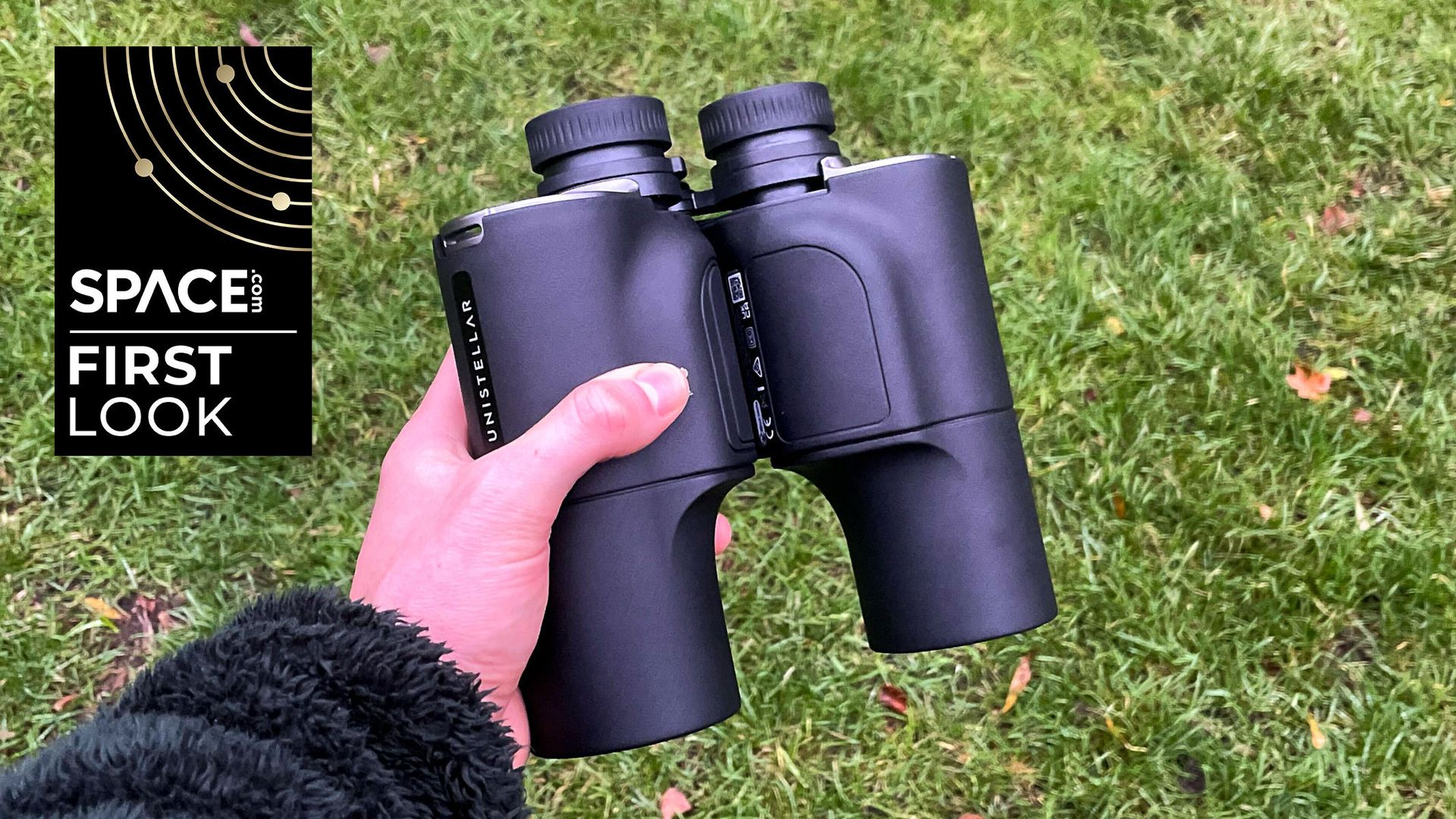
EXECUTIVE SUMMARY
The Unistellar Envision smart binoculars have an augmented reality (AR) overlay that provides smart functionality to 10x50 binoculars, enabling night sky and landmark identification.
Key Takeaways
- I finally got my hands on the Unistellar Envision smart binoculars with augmented reality and I can’t wait to stargaze with them.
- The Unistellar Envision smart binoculars have an augmented reality (AR) overlay that provides smart functionality to 10x50 binoculars, enabling night sky and landmark identification.
- I have been waiting to get my hands on a pair of Unistellar Envision smart binoculars since they were announced in 2024.
Read Complete Original Article
Published originally on Space.com